
Photo Sharing: Getting Started
Note: Photo Sharing is rolling out in phases. In our initial release (early May), instructors will be able to upload, tag, and share photos with families.
In an upcoming update, we’ll expand this functionality to give school organizers the ability to upload and tag photos, review shared content, and access additional oversight tools. We’ll also introduce notifications to keep families informed when new photos are available.
To enable instructors to share photos with families, instructors must be added to activities and have active Homeroom accounts.
Add instructors to an activity
- Navigate to your activity in Homeroom
- Assign one or more instructors to the activity
-
Assigned instructors will be able to upload and tag photos for that activity
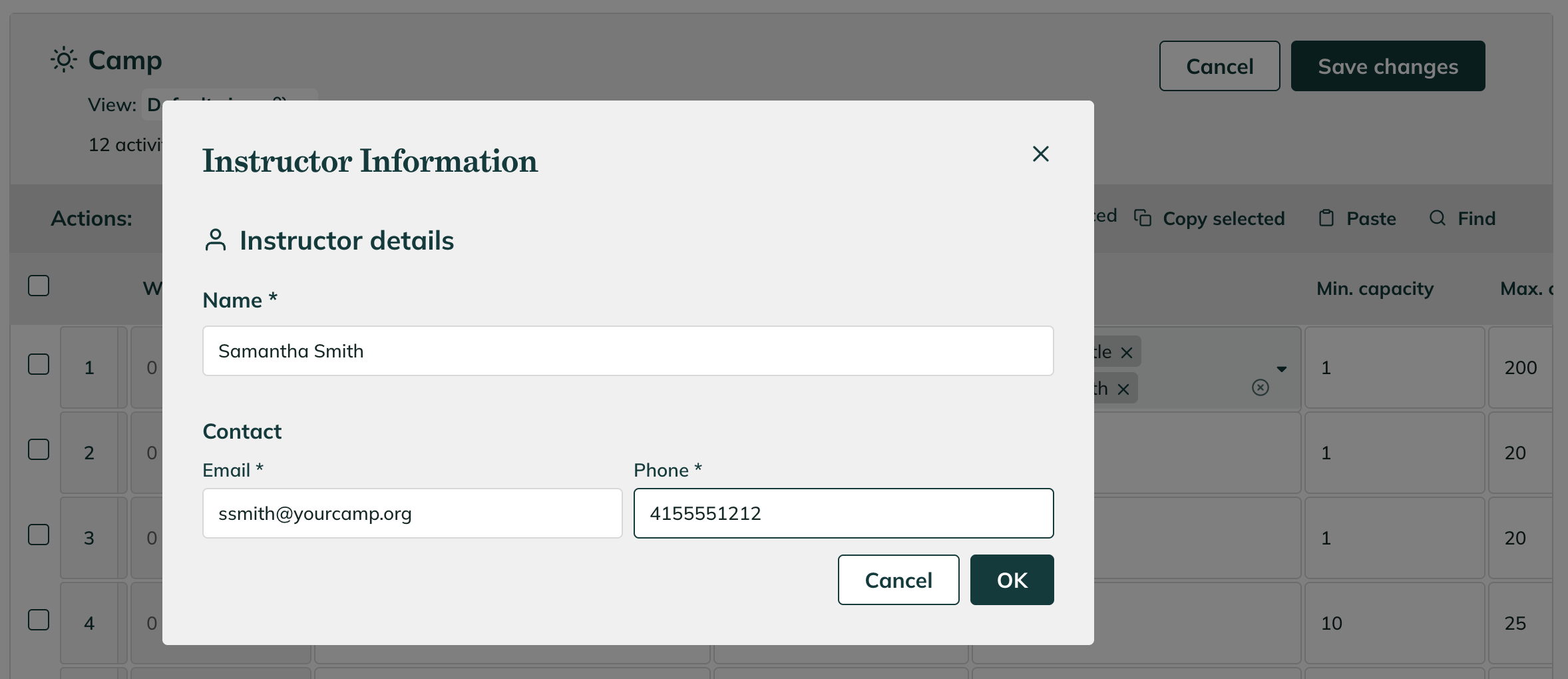
Adding a new instructor in Homeroom
Have instructors create Homeroom accounts
- If they don’t yet have one, invite them to sign up using the same email address you entered when you added them
-
They’ll need to log in to access photo sharing features
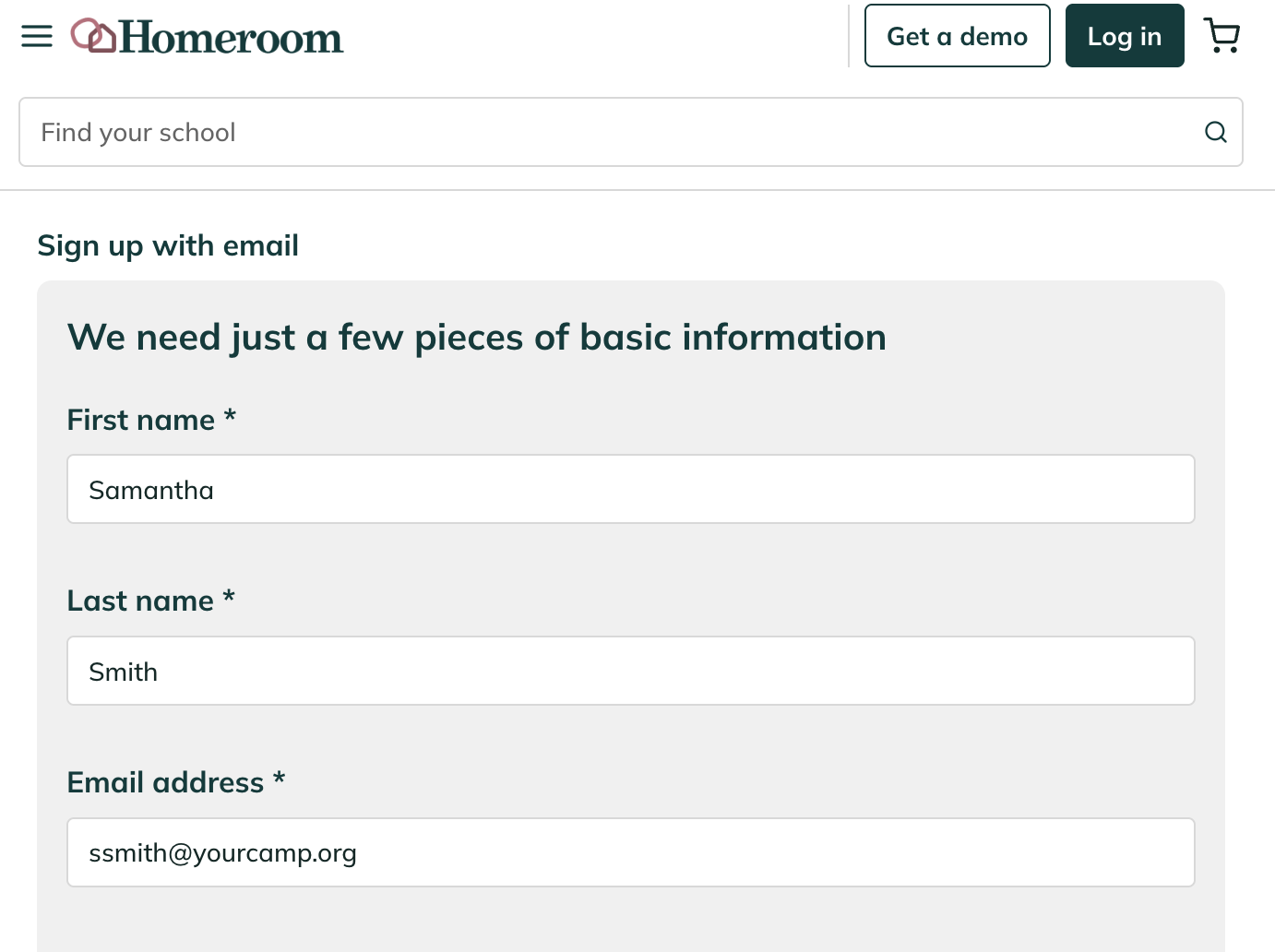
Signing up as instructor in Homeroom
Access to photo sharing
- Once assigned and logged in, instructors will see the option to upload and share photos!
