
Veracross Integration
How to Launch Veracross SSO for Homeroom
This integration allows school users to log in to Homeroom using Single Sign-On (SSO) via Veracross.
Details on the integration
When enabled, the integration allows Homeroom to use a user's Veracross information for account creation or login.
Usage
End users will go to https://www.homeroom.com/login/<school-domain> and they will be prompted to sign in through Veracross. After a user authenticates with Homeroom using Veracross SSO for the first time, their account becomes linked to that login method. Any future login attempts using their email address will automatically redirect them to sign in via Veracross.
Setting up the integration
- Open the Axiom Marketplace for Schools.
- In the search bar, type “Homeroom.”
-
Select the Homeroom integration from the results and follow the prompts to enable Veracross SSO.
(Refer to the screenshot for visual guidance.
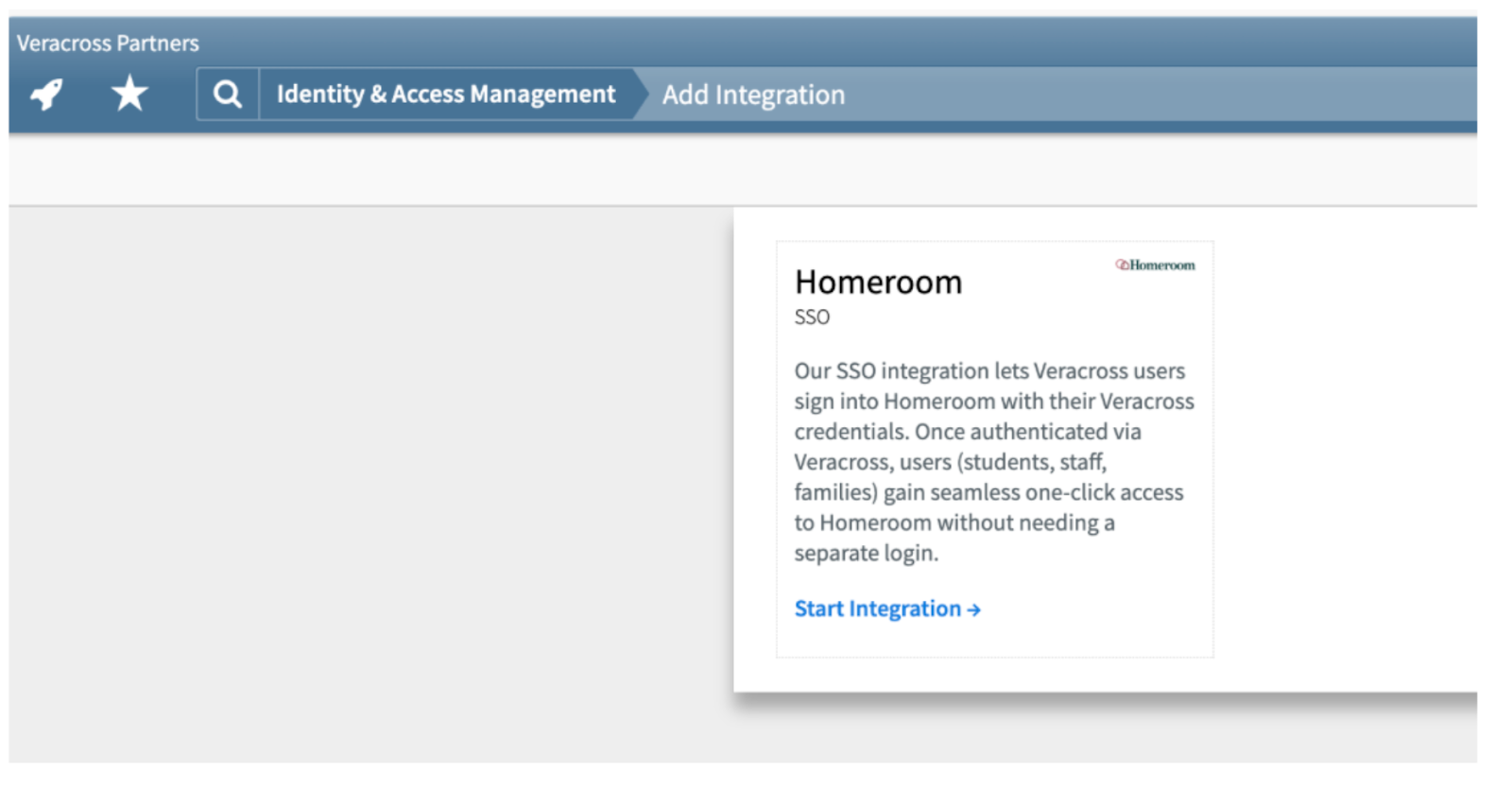
On this step, your integration’s redirect URI should be https://homeroom.com/login/veracross/callback
- The IT team will then need to add the following two scopes:
- sso
- Contact_info:read
- Once SSO is enabled, please email hello@homeroom.com or your onboarding manager so we can associate your users with Veracross.